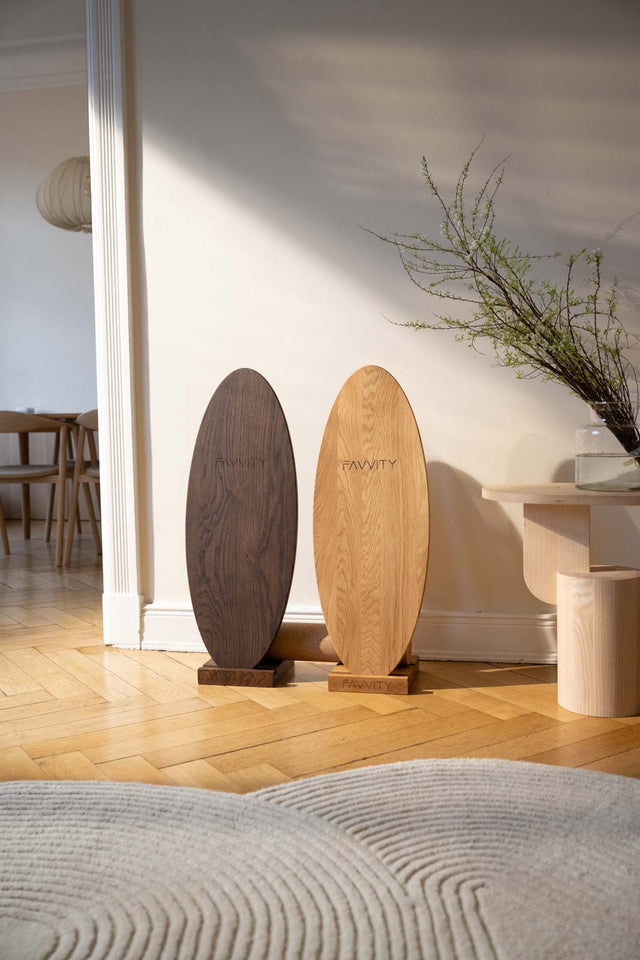
 Eiche Oval
 Eiche Spitz
 Walnuss Oval
 Walnuss Spitz


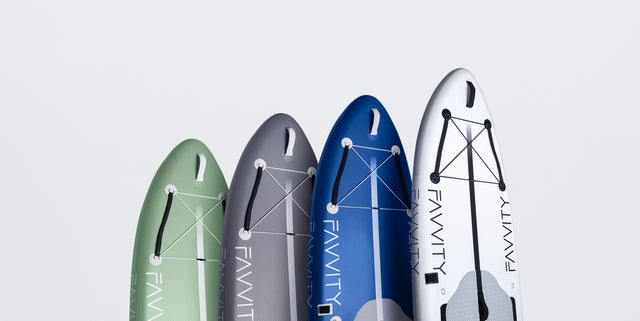
 Salbeigrün
 Butter Yellow
 Polarweiß
 Babyblau
 Marineblau
 Weinrot
 Silbergrau
 Olivgrün


Jetzt 10€ Rabatt sichern.
Immer up to date für neue Produkte und FAVVITY News.
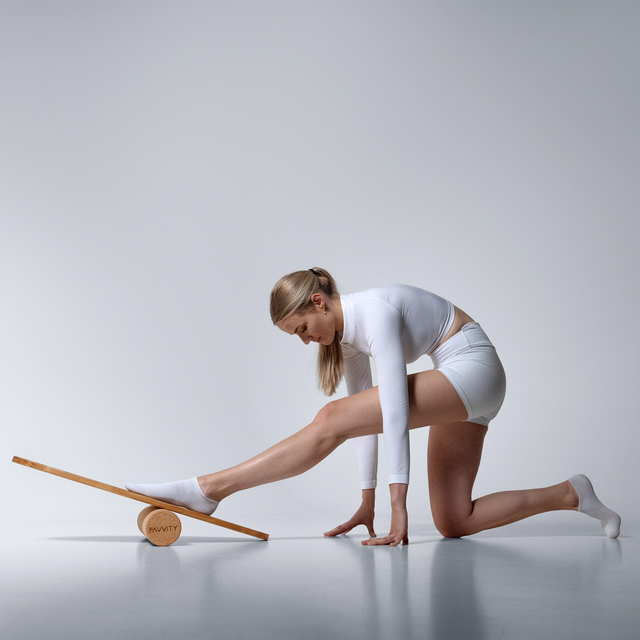
Balance Board — dein Workout für zuhause
SUP Boards — alles dabei, einfach los
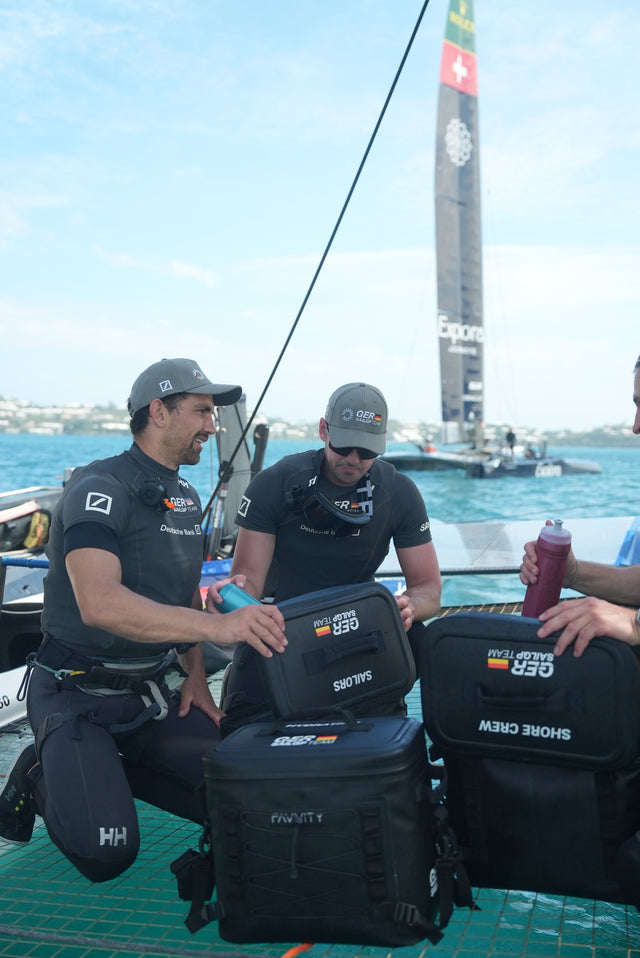
Kühltaschen — 48 Stunden kalt

48 h Kühlleistung · nur 2,2 kg · wasserabweisend

Gleiche Kühlung, beide Hände frei. Passt aufs SUP.
Zubehör — passend zu deinem Board


Angefangen hat alles auf dem Wasser. Heute bauen wir Produkte, die im Wohnzimmer stehen dürfen und trotzdem jeden Tag benutzt werden — Holz statt Plastik, Set statt Nachkaufen.
Das Team Garantie & Rückgabe KontaktFür Unternehmen
Balance Boards aus deutscher Fertigung, SUP Boards und Kühltaschen für Unternehmen. Mit Mengenpreis und einem festen Ansprechpartner.


Mach es zu deinem


Angefangen hat alles auf dem Wasser. Heute bauen wir Produkte, die im Wohnzimmer stehen dürfen und trotzdem jeden Tag benutzt werden.
Mit Mengenpreis, Zahlung per Rechnung und einem festen Ansprechpartner.
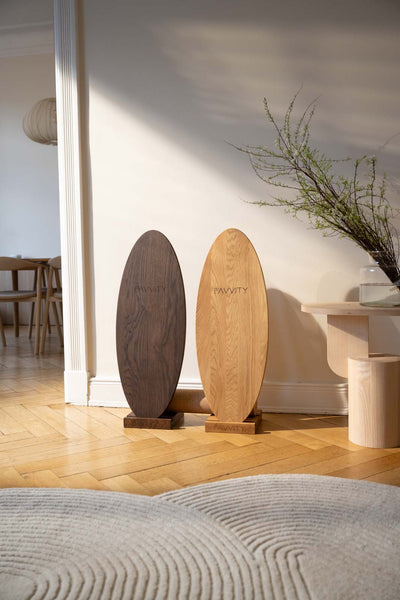 Büro & FirmenAktive Pause, TeamgeschenkMehr erfahren
 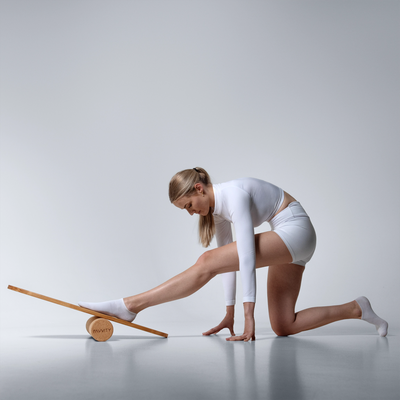 Physio & TherapiePraxis, Kursraum, StudioMehr erfahren
 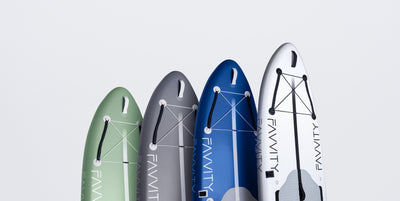 SUP-Verleih & HotelsLeihflotte, HotelgästeMehr erfahren
 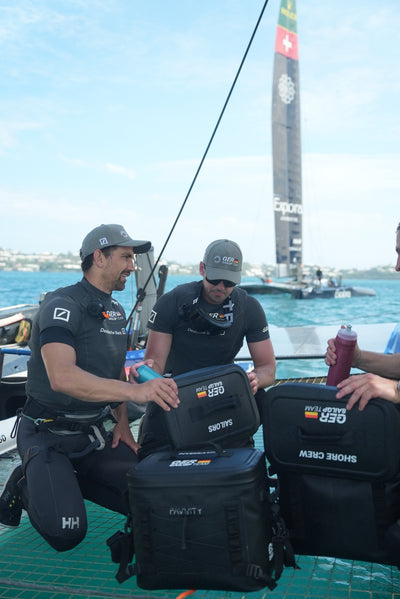 Events & IncentivesTeamevent, Messe, GewinnspielMehr erfahren
 Immer up to date für neue Produkte und FAVVITY News.