
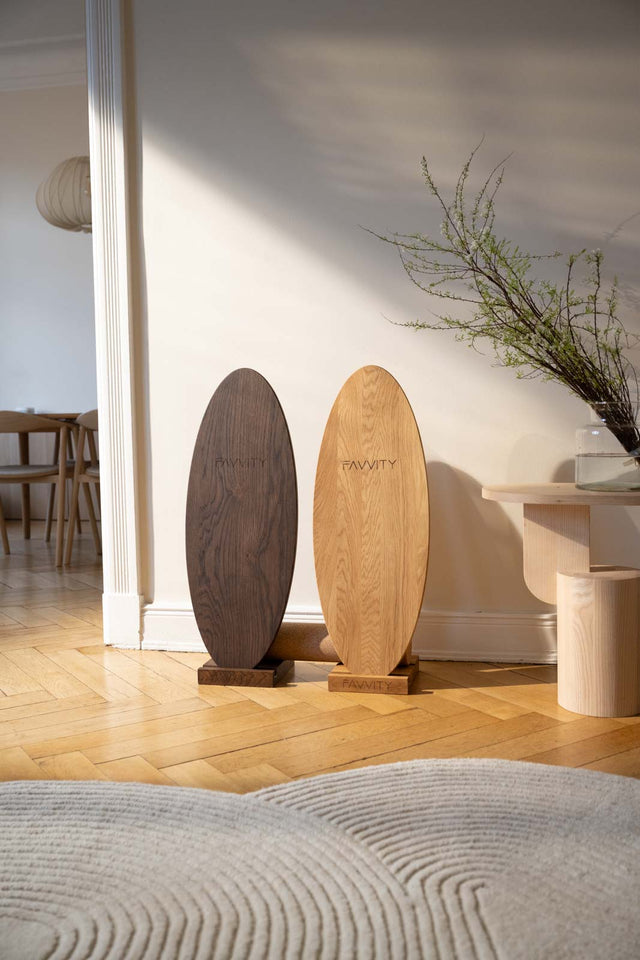
 Oak Oval
 Oak Pointed
 Walnut Oval
 Walnut Pointed


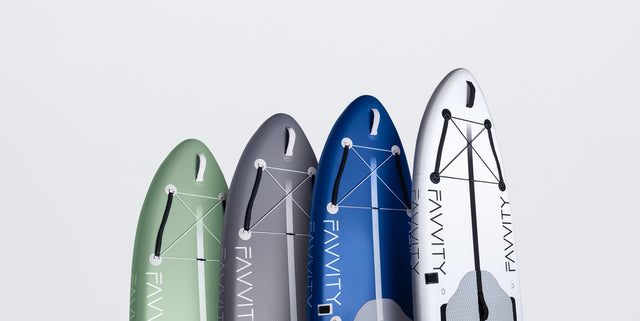
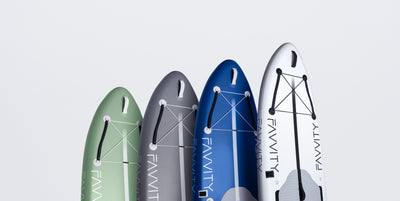
 Sage green
 Butter Yellow
 Polar white
 Baby blue
 Navy blue
 Burgundy
 Silver grey
 Olive green







FAVVITY Accessories
-


 Save €170,00
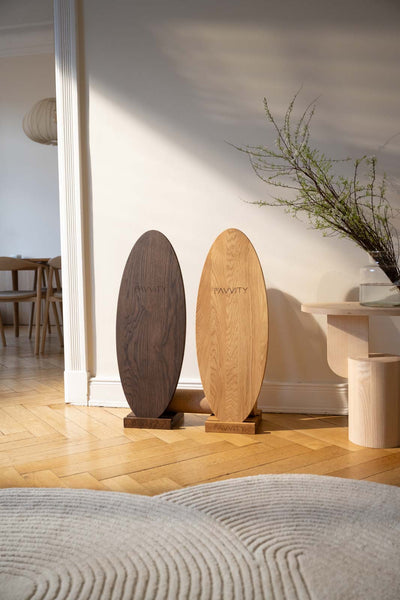
Balance Board Complete Set
Sale price €169,00 Regular price€339,00 -


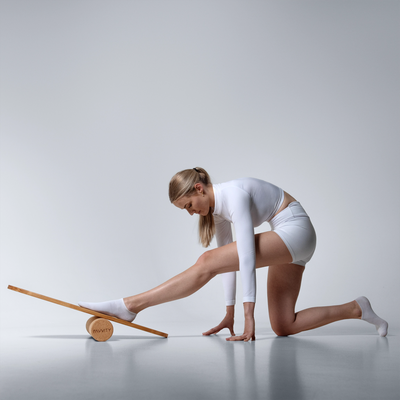
Balance Board with Cork Roller
Regular price From €149,00


